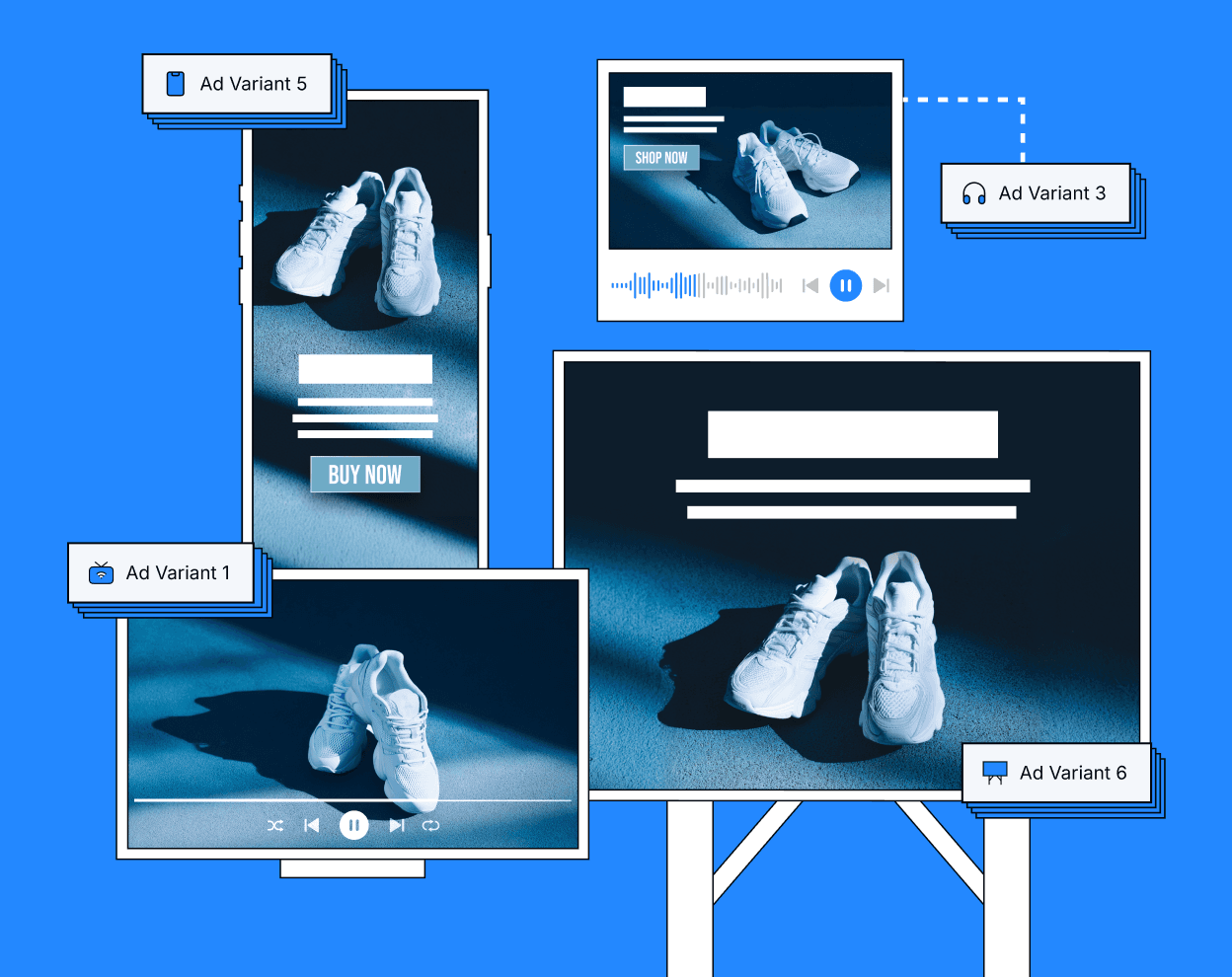
Initiatives is a guided campaign planning and execution workflow that brings channel strategy, media planning, and campaign generation into a single process. Instead of manually creating campaigns one at a time, teams define personas, select channels across Buyer Creation and Buyer Capture moments, allocate budgets with AI-assisted recommendations, map creatives, set performance goals, and automatically generate the full campaign structure from a single setup experience.
What Is Initiatives?
Initiatives is a structured, 7-step guided workflow designed to streamline multi-campaign setup while maintaining full flexibility after launch.
With Initiatives, users can:
Define campaign name, timelines, budget, and geographic targeting
Select audience personas and assign each to a funnel moment, such as Buyer Creation (upper funnel) or Buyer Capture (lower funnel)
Choose from 15+ premium channels, including CTV, Linear TV, OLV, Display, Audio, Podcast, OOH, DOOH, Native, Social Mirroring, and High Impact formats
Allocate budgets across channels manually or with the AI Budget Assistant, which recommends allocations based on your personas and goals
Map Creative Sets and clickthrough URLs to each ad group
Set per-campaign performance goals (CPA, CTR, ROAS, Reach, Viewability, and more) with bulk actions for speed
Automatically generate all campaigns, ad groups, and flights with one click
All campaigns created through an Initiative remain fully editable, allowing teams to optimize and adjust as needed.
How Initiatives Works
Initiatives guides users through campaign creation in seven clear steps:
1. Initiative Basics
Set the Initiative name, campaign start and end dates, total budget, and geographic targeting — including cities, ZIP codes, states/regions, or countries.
2. Persona Selection
Select the audience personas you want to target, and assign each to a moment such as Buyer Creation (upper funnel) or Buyer Capture (lower funnel). This determines which funnel stage each persona is activated in, and directly affects which campaigns and ad groups are generated.
3. Channels & Roles
Choose channels per moment from 15+ options including CTV, Linear TV, OLV, High Impact Video, Display, High Impact Display, Social Mirroring, Native Display, Native Video, Audio, Podcast, Traditional OOH, and DOOH. Use Agility's recommended channel strategy or customize your own. Each channel you select generates a separate campaign.
4. Allocation Plan
Enter a total budget and distribute spend across channels. Use the AI Budget Assistant to generate a recommended allocation based on your selected channels and goals. Then provide feedback and regenerate until the distribution aligns with your strategy. You can also allocate manually using dollar amounts or percentages, with monthly breakdowns across your flight period.
5. Creative Mapping (Optional)
Map Creative Sets and clickthrough URLs to each ad group. The system auto-filters compatible Creative Sets by channel type, making it easy to find the right assets. You can also skip this step and assign creative after campaigns are generated.
6. Goals
Set performance targets for each campaign. Available goal types include CPA, CPCV, CPC, Reach, LTV Reach, CTR, Return on Ad Spend, Viewability, and Completion Rate. Use the Bulk Actions button to apply the same goal across all campaigns at once.
7. Review & Confirm
Review a complete summary of your Initiative, including total budget, allocation progress, number of campaigns, ad groups, and personas targeted. Campaigns are auto-named using a structured format (e.g., SPRING_SALE_BC_CTV for Buyer Creation or SPRING_SALE_BCAP_Display for Buyer Capture). Confirm to generate all campaigns, ad groups, and flights instantly.
Benefits of Initiatives
Faster Campaign Setup
Initiatives eliminates hours of repetitive manual setup. Go from strategy to live campaigns in minutes without building each campaign, ad group, and flight individually.
Full-Funnel Strategy Built In
Buyer Creation and Buyer Capture moments organize channels and personas by funnel stage, ensuring intentional, strategic media planning from the start.
AI-Assisted Budget Allocation
The AI Budget Assistant recommends channel-level allocations based on your personas and goals. Provide feedback and regenerate for refined recommendations, or allocate manually with full control.
15+ Premium Channels
Access CTV, Linear TV, OLV, Display, Audio, Podcast, OOH, DOOH, Native, Social Mirroring, and High Impact formats within a single workflow. Buyer Creation supports the full channel set, while Buyer Capture supports a targeted subset for lower-funnel activation.
Consistency at Scale
Budgets, timelines, personas, targeting, and goals remain aligned across all generated campaigns and ad groups, reducing setup errors and drift.
Full Post-Launch Flexibility
Campaigns generated through Initiatives are never locked. Edit budgets, creatives, targeting, goals, and optimization settings anytime. Initiative-level settings provide structure during setup without limiting flexibility after launch.
Built for Scalable Campaign Execution
Initiatives is designed for advertisers and agencies managing complex, multi-channel brand advertising strategies who need a faster, more consistent way to plan and launch campaigns without sacrificing control.
Whether you're executing a single multi-channel push, running pilot tests across new markets, or managing ongoing scaled initiatives across clients, Initiatives helps teams move from planning to live campaigns with greater efficiency, structure, and confidence.
Initiatives is the recommended starting point for multi-channel launches within Agility. Log in to the Agility platform, navigate to the Initiatives tab, and launch your first guided campaign workflow today. Experience the speed, structure, and AI-assisted intelligence that makes Initiatives the most efficient way to execute at scale.
Want to see Agility in action first? Test precision brand advertising with Agility and discover how we deliver measurable results across CTV, Display, Audio, OOH, and more.
Share in...